
Sitting for many hours a day in front of a computer can lead to various health issues if proper posture is not maintained. The desk, chair, and placement of the monitor, keyboard, and mouse all influence the position we assume while working. Here are practical guidelines for improving workplace well-being through ergonomics and correct desk posture.
Back Pain and Desk Posture: What Is the Connection?
In Italy, among employees who work at a computer and remain seated for long hours, back pain leads to an average of three days of absence from the office each year. Maintaining the same position—especially a non-ergonomic one—can contribute to the onset of musculoskeletal disorders. This term encompasses a broad range of conditions affecting joints, pelvic nerves, muscles, and tendons, including acute lower back pain, spondylosis, herniated discs, and sciatica.
Although those over 45 are most affected, younger workers are also at risk if they fail to maintain correct desk posture. Staying active throughout the day—alternating between sitting and standing, walking between offices, and taking the stairs when possible—is an effective way to prevent musculoskeletal problems.
Office layout and furniture selection therefore play a key role in supporting both physical and mental well-being. Here’s how.
Rules for Proper Desk Posture
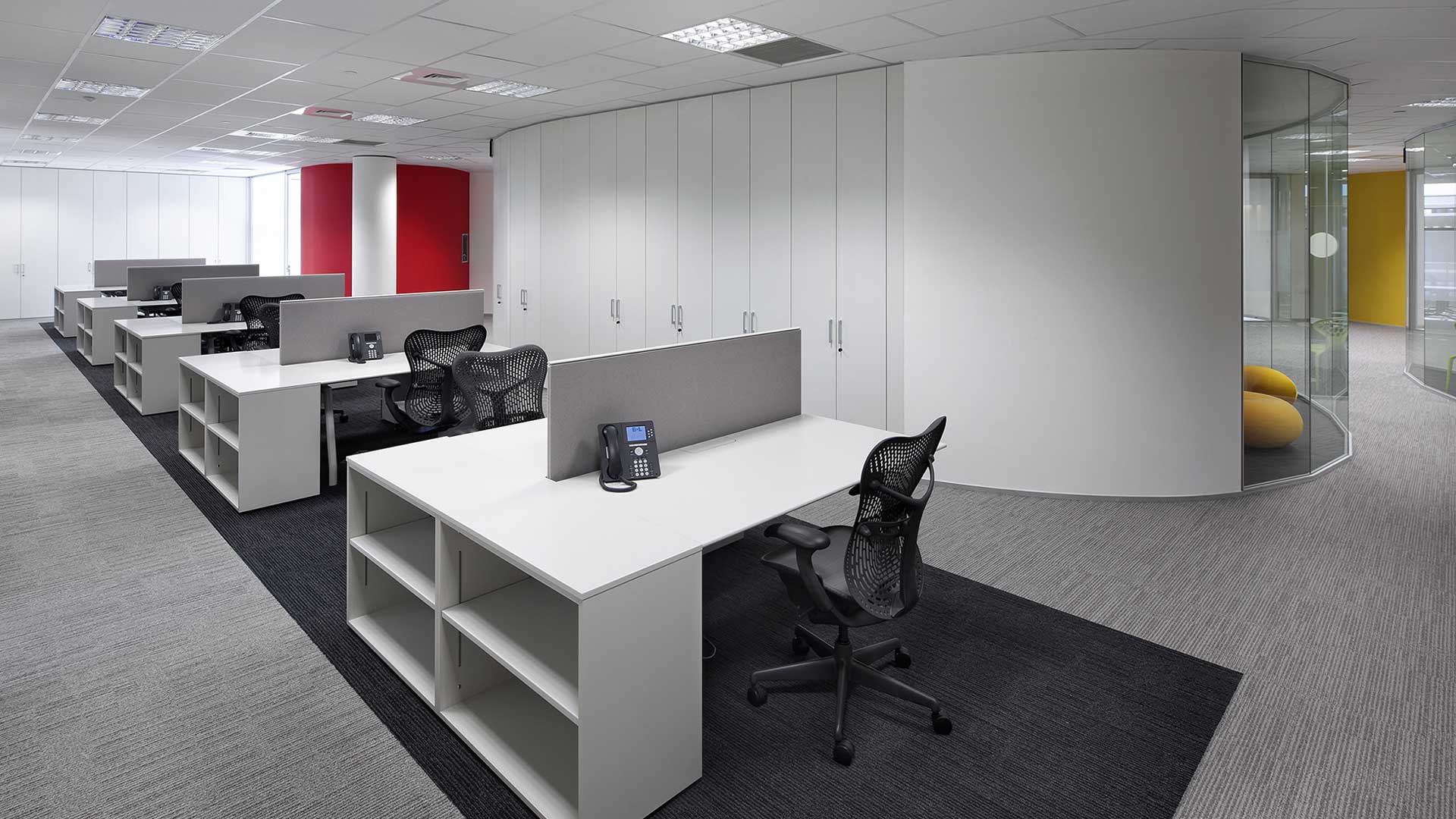
The work surface is crucial and should be positioned at a precise height based on the user’s stature. As a general standard, desk height ranges between 65 and 70 centimeters. The minimum desk depth should be 50 centimeters, allowing the elbows to rest at a right angle while working.
The screen should be positioned at eye level to avoid bending the neck. For this reason, monitor stands and adjustable arms mounted on desks or screen dividers are increasingly common. For someone approximately 170 centimeters tall, the top edge of the screen should be set at around 120 centimeters. The optimal distance between the face and the monitor is between 65 and 70 centimeters.
The chair is another essential element. In addition to being height-adjustable, it must provide proper support to the spine. High-performance models often include reclining backrests that allow brief moments of relaxation by temporarily changing position. To reduce strain on the back, a small footrest can help by elevating the legs intermittently throughout the day.
Desk Posture: How to Support the Back
Once the workspace is properly organized, attention must turn to posture throughout the workday. The back should remain upright, as if gently lengthening upward. The chair’s backrest must support the lumbar area, while feet placed flat on the floor or on a footrest help distribute weight evenly and maintain balance. Forearm positioning is equally important: they should rest on the desk surface to relieve muscular tension in the upper limbs.
Height-Adjustable Desks: The Importance of Changing Position
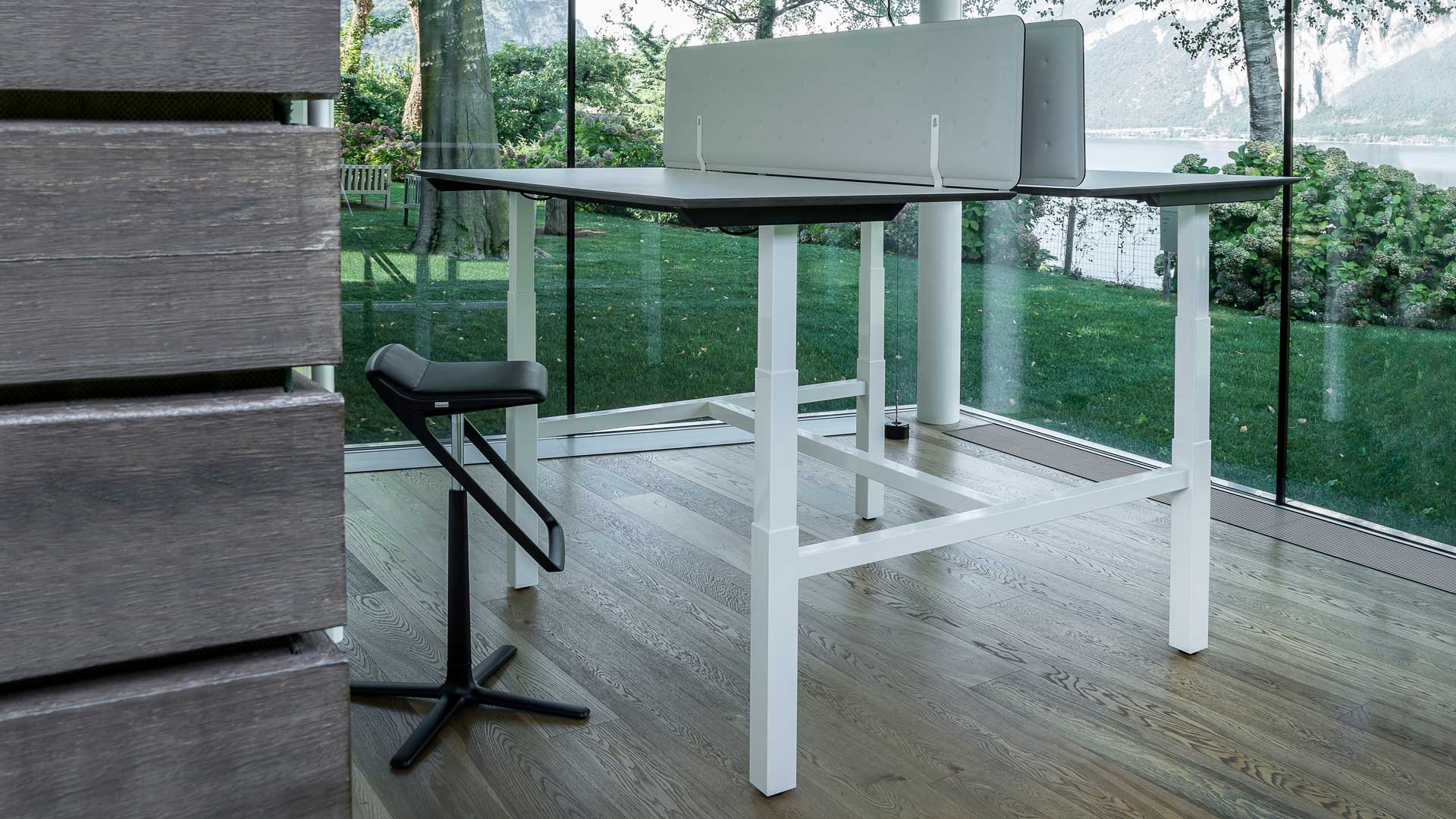
To encourage movement and posture variation during the workday, height-adjustable desks have been developed. These tables feature telescopic legs that, through an electric control system, raise or lower the work surface, allowing tasks to be performed both seated and standing.
Alaska by Level Office Landscape was designed to maximize ergonomic performance. It features two supporting legs resting on elegant columns, with a metal structure available in white or black finish. A control panel integrated directly beneath the desktop enables users to adjust the height within seconds—higher for standing work, lower for seated tasks. Available in single and bench configurations, it supports correct desk posture while encouraging healthy movement throughout the day.
Design Your Ergonomic Office
Interested in creating an ergonomic office environment for your team? Contact the experts at Level Office Landscape by completing the form or calling +39 039 9284831.